Doctors who want one simple place for work admin
Doctors Planner 2026 + 2027
Two fillable, fully dated planners (2026 and 2027) for shifts, leave, portfolio, teaching, applications and the small deadlines that otherwise live in too many places.
Doctors carry a surprising amount of non-clinical admin. This planner gives all of it one home, and you get both the 2026 and the 2027 planner in one purchase. Each has a year overview, a dashboard, calendar and dated weeks for every month, a shift log, and trackers for portfolio, audit and QI, teaching, leave and applications.
A small look inside
Each MedPDF is designed to be practical, visual, and easy to use. Here are a few tiny previews of the interactive pages inside.
 Start-year setup
 Weekly rota view
 Monthly dashboard
 Portfolio tracker
Preview inside
Doctors Planner 2026 + 2027
A cropped glimpse of the interactive pages buyers get inside.
 Quick visual summary
 Interactive checklist
Look inside
Real pages from this guide
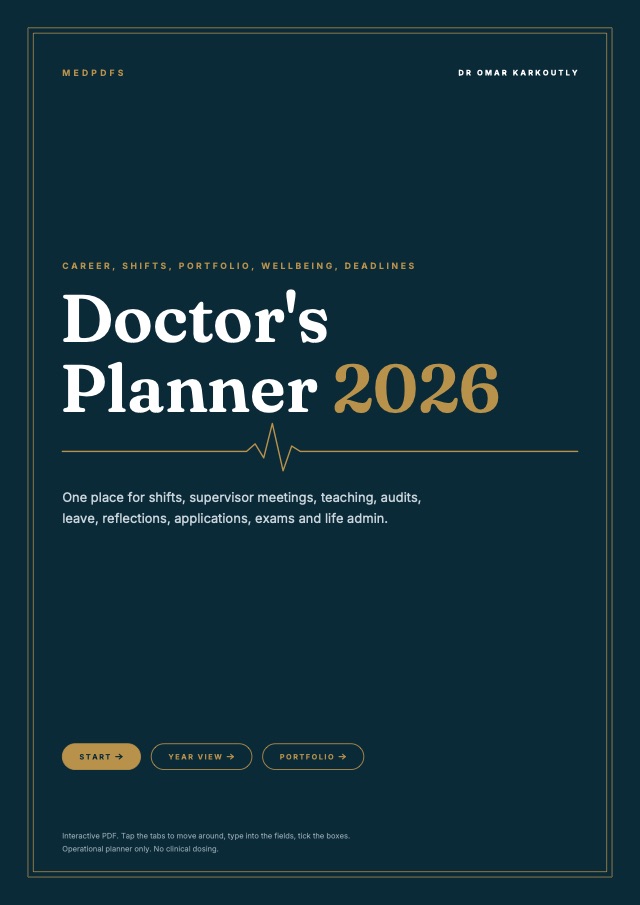
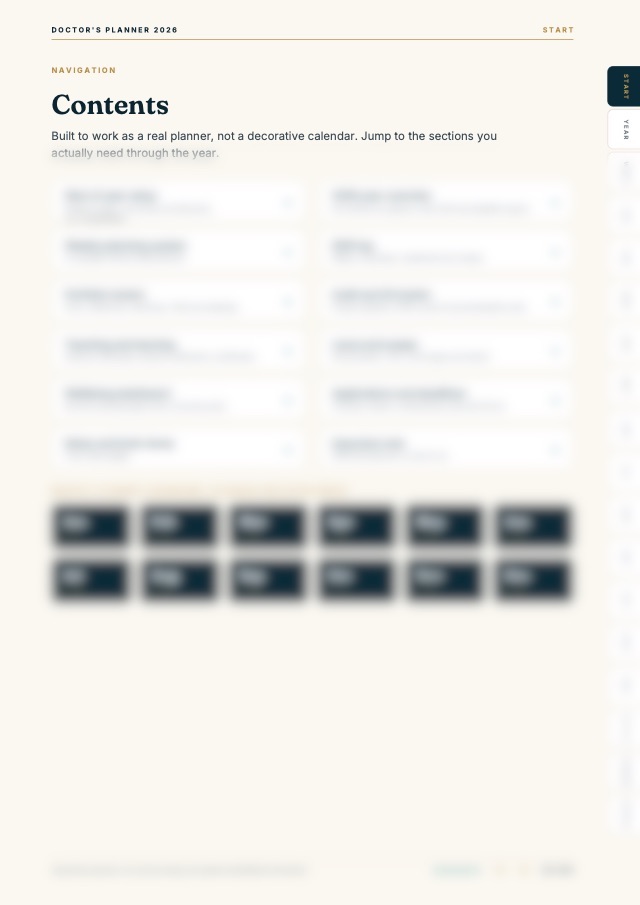
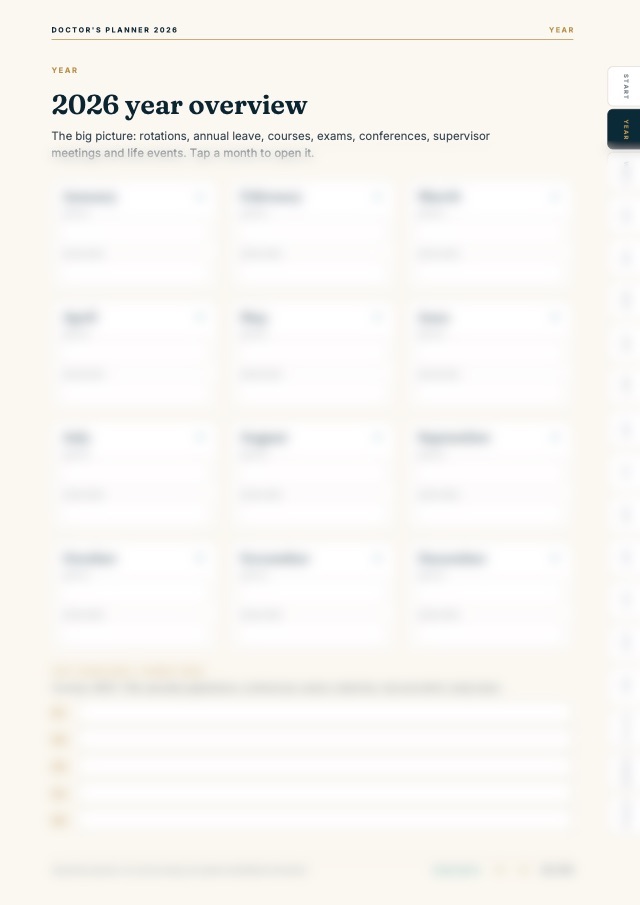
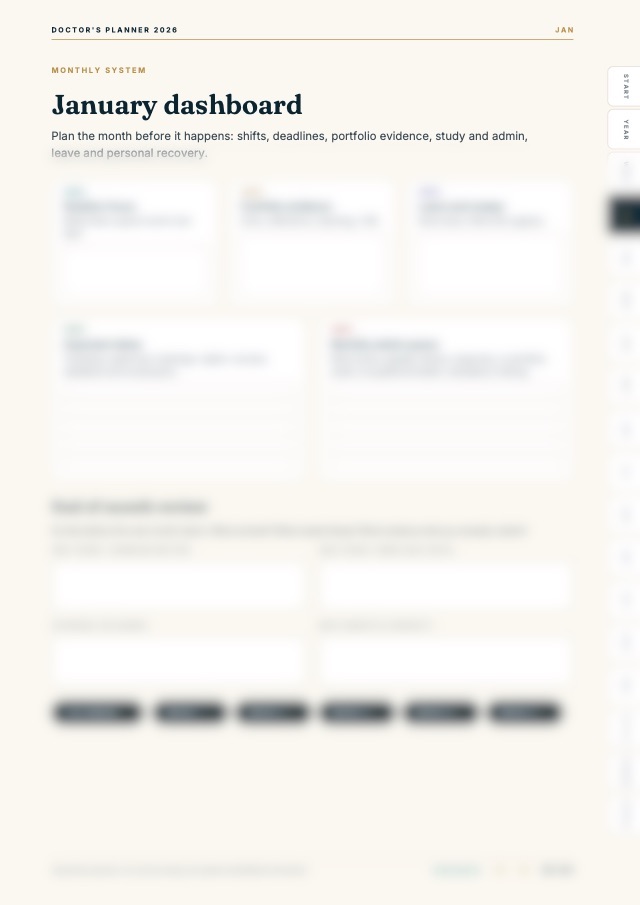
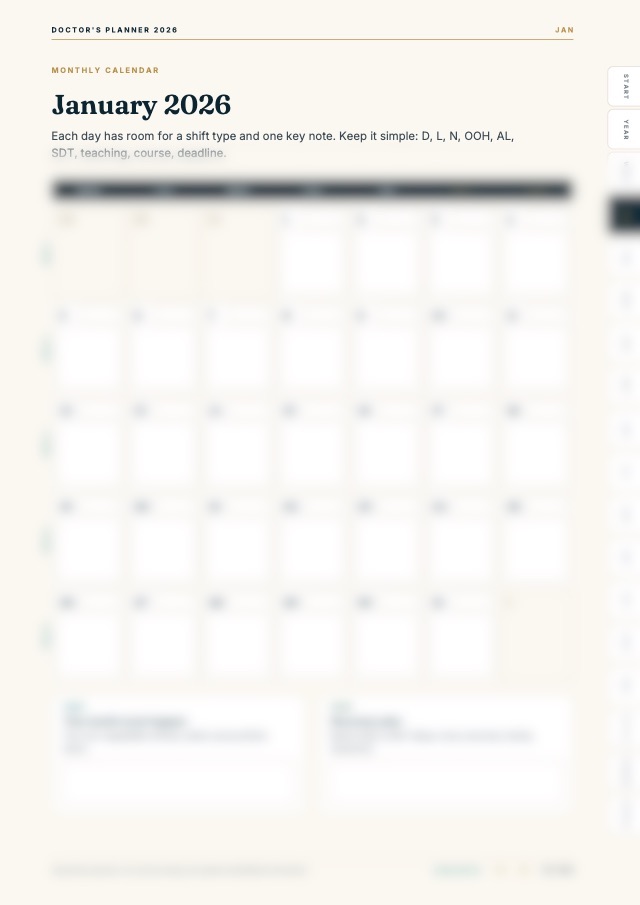
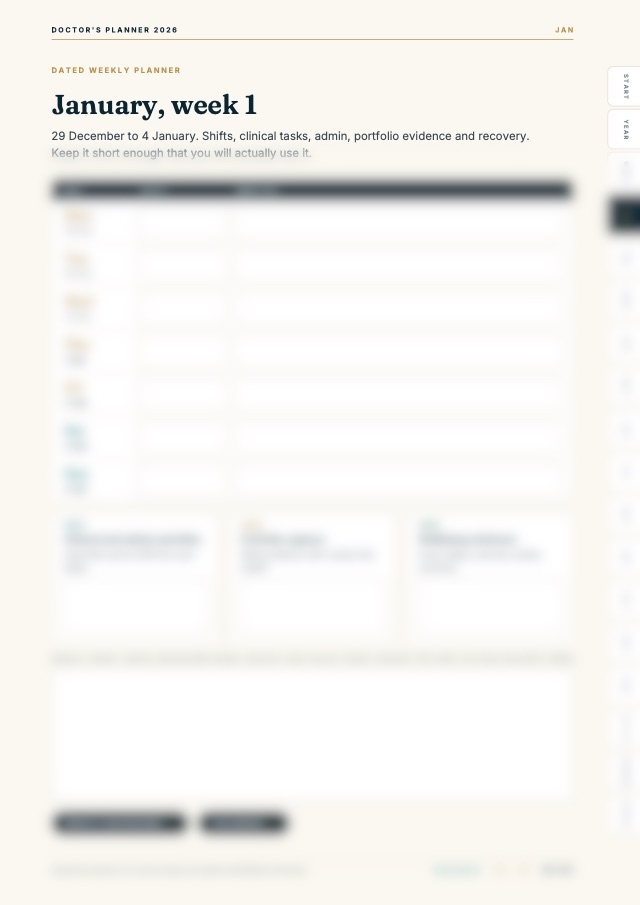
Scroll sideways to see what is covered. Page contents are blurred in this preview.
104
pages in the full guide
A selection, with contents blurred. The full file is sharp and interactive, with clickable contents and fillable sections.
The practical problem
Doctor admin can become scattered across rota emails, leave forms, teaching calendars, portfolio deadlines, and personal reminders. The Doctors Planner gives those moving parts one practical planning structure.
Who this is for
- ✓Doctors who want a clearer shift and leave planning setup
- ✓Foundation doctors tracking teaching, portfolio, and admin deadlines
- ✓Doctors who prefer editable planning tools over scattered reminders
- ✓Anyone who wants work admin visible without storing patient-identifiable information
Practical outcomes
- ✓See every month at a glance, then plan each dated week
- ✓Log nights, long days, weekends and swaps
- ✓Keep portfolio, audit and QI, and teaching evidence in one place
- ✓Track annual leave, TOIL, applications and deadlines
What is included
Pricing
Save with a bundle
Foundation Planning System
The best-value route for new Foundation doctors: the F1 Starter Kit workflow guide plus the Doctors Planner 2026 + 2027.
Compare bundlesFAQ
What does the Doctors Planner include?+
Each planner includes a start of year setup, a year overview, a dashboard, calendar and dated weeks for every month, a weekly planning system, a shift log, trackers for portfolio, audit and QI, teaching, leave and applications, a wellbeing dashboard and notes pages.
What files do I actually get?+
You receive two interactive PDFs: the 2026 planner and the 2027 planner.
Is this interactive?+
Yes. Tap the tabs to jump to any month, type into the fields and tick the boxes. Your entries save with the file in most PDF apps.
Who is this best for?+
It is best for doctors who want one place for shifts, leave, teaching, portfolio deadlines and applications.
Can I use it on its own?+
Yes. It works on its own, and it pairs well with the Foundation Planning System, which covers the on-the-ward workflow.
Can this store patient data?+
No. It must not be used for patient-identifiable data.